

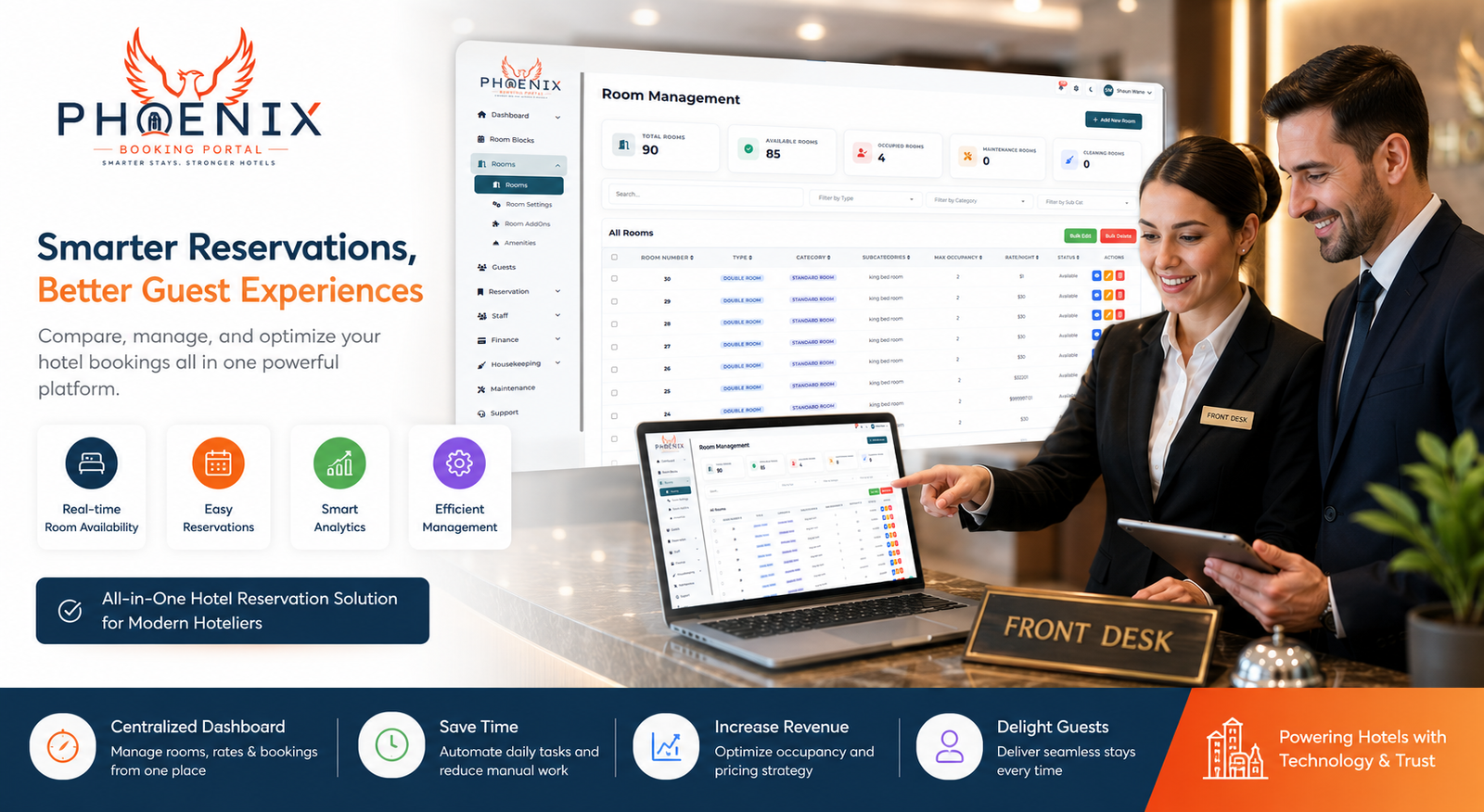
If you’ve spent any time shopping for hotel technology, you’ve probably noticed vendors use “reservation software,” “booking platform,” and “property management system” almost interchangeably. That’s confusing when you’re trying to figure out what your property actually needs. Hotel reservation software and a hotel booking platform aren’t the same thing, and understanding the difference can save you from buying the wrong tool — or paying for features you’ll never touch. This guide breaks down what each one does, where they overlap, and how to figure out which one (or both) your hotel needs.
What Is Hotel Reservation Software?
Hotel reservation software is the internal system your staff uses to manage bookings, room assignments, and guest records. Think of it as the operational engine running behind your front desk.
What It Typically Handles
- Tracking reservations across arrival and departure dates
- Assigning rooms and managing room status
- Storing guest profiles and stay history
- Generating folios and processing payments
- Producing occupancy and revenue reports
This is the tool your front desk staff lives in all day. A 30-room inn in Asheville we spoke with was tracking reservations in a shared spreadsheet, and staff routinely lost track of which rooms were already assigned during busy weekends. After adopting dedicated reservation software, the front desk manager said assigning rooms went from a guessing game to something new hires could learn in an afternoon.
What Is a Hotel Booking Platform?
A hotel booking platform is the guest-facing side of the equation — the tool travelers actually interact with to find and book a room. This usually includes your website’s booking widget and, in a broader sense, the online travel agencies (OTAs) where your property is listed.
What It Typically Handles
- Displaying real-time room availability to guests
- Processing direct bookings from your website
- Syncing rates and inventory with OTAs like Expedia and Booking.com
- Handling guest-facing confirmations and cancellations
In other words, a booking platform is about acquisition — getting the reservation in the door. Reservation software is about operations — managing what happens after that booking exists.
Where the Two Overlap (and Why That Causes Confusion)
Here’s where things get muddy: most modern hotel booking management systems bundle both functions together. A cloud-based hotel PMS software platform typically includes reservation management, a booking engine for your website, and a channel manager to sync with OTAs — all under one login.
That’s convenient, but it also means vendors market the same product under different names depending on which feature they’re emphasizing. A “booking platform” pitch focuses on the guest experience and OTA sync. A “reservation software” pitch focuses on the back-office side. Often, you’re looking at the same underlying system.
Standalone Tools vs. All-in-One Systems
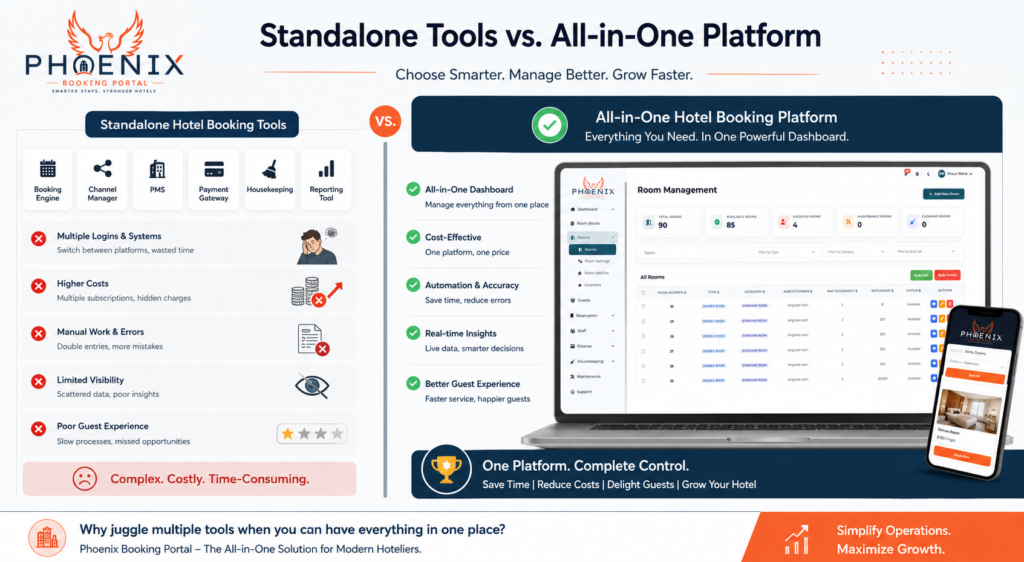
Some hotels — especially larger ones — run separate tools for booking and reservations, integrated through an API. Smaller and mid-sized independent hotels usually do better with an all-in-one platform, mainly because there’s less risk of the two systems falling out of sync.
| Feature | Manual/Spreadsheet | Standalone Tools | All-in-One Platform |
|---|---|---|---|
| Real-time booking-to-reservation sync | ❌ | ⚠️ Requires integration | ✅ Built in |
| Setup complexity | Low | High | Low-Medium |
| Risk of data mismatch | High | Medium | Low |
| Best For | Solo operator, 1-5 rooms | Large hotels with dedicated IT | Independent and boutique hotels |
The tradeoff worth acknowledging: all-in-one platforms are simpler to run, but if you ever want to swap out just one component — say, keep your reservation software but switch booking platforms — that’s harder to do than with standalone, API-connected tools.
How Channel Syncing Ties Booking and Hotel Reservation Software Together
This is the feature that actually determines whether the “software vs. platform” distinction matters much in practice.
When a guest books through an OTA, that booking needs to show up in your reservation system immediately — otherwise your front desk won’t know a room is filled, and a staff member could sell it again. This is where a channel manager, working alongside Phoenix’s reservations dashboard, keeps everything reconciled: a booking made through any connected channel updates room availability everywhere else in real time.
Without that sync, hotels tend to fall back into the same problems that led them away from spreadsheets in the first place — double bookings, manual cross-checking, and staff spending time reconciling calendars instead of helping guests. Properties that automate this step typically see booking errors drop substantially within the first few weeks of going live.
Quick Answers: Hotel Reservation Software vs. Booking Platforms
Q: Is hotel reservation software the same as a booking platform? A: Not exactly. Reservation software manages internal operations — room assignments, guest records, billing. A booking platform is guest-facing, handling how travelers search for and book rooms. Many modern systems combine both.
Q: Do I need both a booking platform and reservation software? A: Most independent hotels use an all-in-one hotel management software that includes both, since keeping them separate risks data mismatches between what guests book and what your front desk sees.
Q: Can a booking platform work without reservation software? A: Technically yes, but it’s risky. Without a connected reservation system, bookings from your website or OTAs won’t automatically update your front desk’s records, increasing the chance of double bookings.
Q: What’s the benefit of an all-in-one hotel booking management system? A: It keeps guest-facing bookings and internal operations in sync automatically. Staff see new reservations in real time, without manually checking multiple systems or calendars.
Q: Is a channel manager part of reservation software or a booking platform? A: It’s typically considered part of the booking platform side, since it manages OTA availability, but it needs to communicate directly with your reservation software to keep room status accurate everywhere.
Choosing the Right Setup for Your Property
If you’re evaluating options, a short checklist can save a lot of back-and-forth with vendors:
- List every channel you sell through — website, OTAs, phone, walk-ins
- Decide if you want one login or several tools — all-in-one is simpler for most independent hotels
- Ask vendors directly how booking and reservation data sync — get specifics, not just “seamless integration”
- Confirm mobile access — front desk and housekeeping staff often need it on the go
- Test the guest-facing booking flow yourself — a clunky booking widget costs you direct bookings
Hotels that go through this kind of structured evaluation before signing a contract tend to avoid the costly mistake of picking a system that looks good on a sales call but doesn’t fit daily operations. If you want to see how the booking-to-reservation sync actually works, you can see Phoenix in action with a live walkthrough.
Frequently Asked Questions
Q: Which is more important for a small hotel — reservation software or a booking platform? A: Neither matters much on its own if the other is missing. A booking platform without connected reservation software risks double bookings, and reservation software without a strong booking platform makes it harder for guests to book directly instead of through third-party OTAs, which usually charge commission fees.
Q: Does a hotel booking platform replace OTAs like Booking.com? A: No. A booking platform typically includes your own website’s booking widget plus a channel manager that connects to OTAs — it doesn’t replace them, but it does let you manage all your channels, including direct bookings, from one place.
Q: How much does hotel booking management software cost? A: Costs vary based on property size and included features, generally scaling with room count. Ask vendors for transparent, per-room pricing rather than bundled quotes that make it hard to compare options directly.
Q: Can I switch reservation software without changing my booking platform? A: It depends on whether they’re standalone tools or part of a bundled all-in-one system. Standalone, API-connected tools make this easier; all-in-one platforms usually require switching both together.
Q: Will guests notice a difference between reservation software and a booking platform? A: Guests mainly interact with your booking platform — the website widget and confirmation process. Reservation software runs in the background, but a poorly connected system can cause visible issues, like a guest arriving to find their room already assigned to someone else.
Phoenix Booking Portal: Why the Right Fit Matters
The label matters less than whether your booking and reservation systems actually talk to each other in real time. Whether you call it hotel reservation software, a hotel booking platform, or a hotel booking management system, the goal is the same: fewer manual steps, fewer double bookings, and more time for your team to focus on guests instead of reconciling calendars.
Curious how this looks for your property? Phoenix Booking Portal offers transparent, per-room pricing and a straightforward setup — start your free trial and see how the sync works firsthand.


Leave a Reply