

If you’ve ever watched two guests show up for the same room on the same night, you already know why hotel inventory management software exists. It’s not a fun conversation to have at the front desk. A recent industry survey found that a large share of independent hotels still juggle room counts across spreadsheets, a paper logbook, and three or four booking sites at once. Every one of those is a separate place where a mistake can happen.
This article walks through what hotel inventory management software actually does, why manual tracking breaks down as you grow, and what to look for when you’re ready to fix it. We’ll also touch on how tools like Phoenix Booking Portal approach the problem, though the goal here is to help you understand the category, not just pitch you on one option.
What Hotel Inventory Management Software Actually Does
At its core, this kind of software keeps a single, accurate count of every room type, rate, and date across every place you sell rooms: your website, Booking.com, Expedia, Airbnb, and your front desk. When a guest books anywhere, the system updates the count everywhere else within seconds.
Without that, you’re manually adjusting availability on five different extranets every time something changes. Miss one update and you’ve got two guests holding a confirmation for the same bed.
A few things good inventory software handles for you:
- Syncing room counts across every online travel agency (OTA) in near real time
- Blocking or releasing rooms automatically based on maintenance, group holds, or overbooking buffers
- Tracking rate parity so your price doesn’t drift between channels
- Flagging low inventory before you accidentally sell out
- Giving you one dashboard instead of six browser tabs
Why Manual Tracking Falls Apart as You Grow
A 12 room bed and breakfast can often survive on a shared calendar and a lot of attention. Once you’re managing 30, 60, or 200 rooms across multiple OTAs, the math changes fast. One property manager we spoke with described running a 40 room hotel off a whiteboard and a Google Sheet for two years. It worked, mostly, until a busy holiday weekend when three rooms got double booked in the same night. That’s a lot of apology emails and refunded stays.
The pattern shows up again and again:
- Small properties (under 20 rooms) can sometimes manage manually if they only sell on one or two channels
- Mid size properties (20 to 100 rooms) usually hit their first double booking crisis within the first year of listing on three or more OTAs
- Larger properties or those with groups and events almost always need automated syncing, because the volume of changes per day makes manual updates unrealistic
Hotel Channel Manager Software vs. Full Inventory Management
You’ll often see “channel manager” and “inventory management” used almost interchangeably, and there’s real overlap. A hotel channel manager software tool focuses specifically on pushing rate and availability updates out to your OTAs and pulling bookings back in. Inventory management is the broader layer that also tracks housekeeping status, maintenance blocks, and group holds that affect what’s actually sellable.
Think of the channel manager as the messenger and inventory management as the source of truth it’s reporting from. Some platforms bundle both into one system, which tends to reduce the chance of the two falling out of sync with each other.
Real World Impact: What Changes When You Automate
A 25 room boutique hotel in Denver moved from manual OTA updates to automated syncing and cut its front desk check in time from about 15 minutes to under 2, mostly because staff weren’t cross checking three systems before confirming a room. A 60 room property in Austin reported catching a maintenance related overbooking risk automatically instead of finding out from an angry guest at 11pm.
These aren’t universal outcomes. Results depend on how many channels you sell on, how often your rates change, and how disciplined your team already is. But the pattern holds: fewer manual touchpoints generally means fewer mistakes.
Common Pain Points This Software Solves
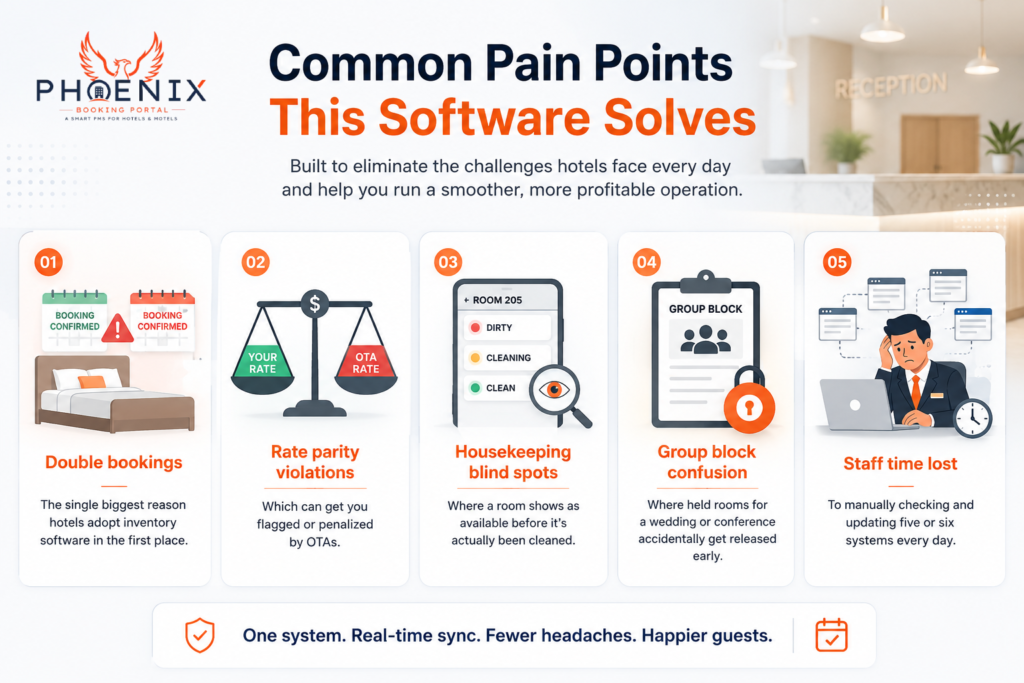
- Double bookings: the single biggest reason hotels adopt inventory software in the first place
- Rate parity violations, which can get you flagged or penalized by OTAs
- Housekeeping blind spots, where a room shows as available before it’s actually been cleaned
- Group block confusion, where held rooms for a wedding or conference accidentally get released early
- Staff time lost to manually checking and updating five or six systems every day
Phoenix’s Approach to Inventory Syncing
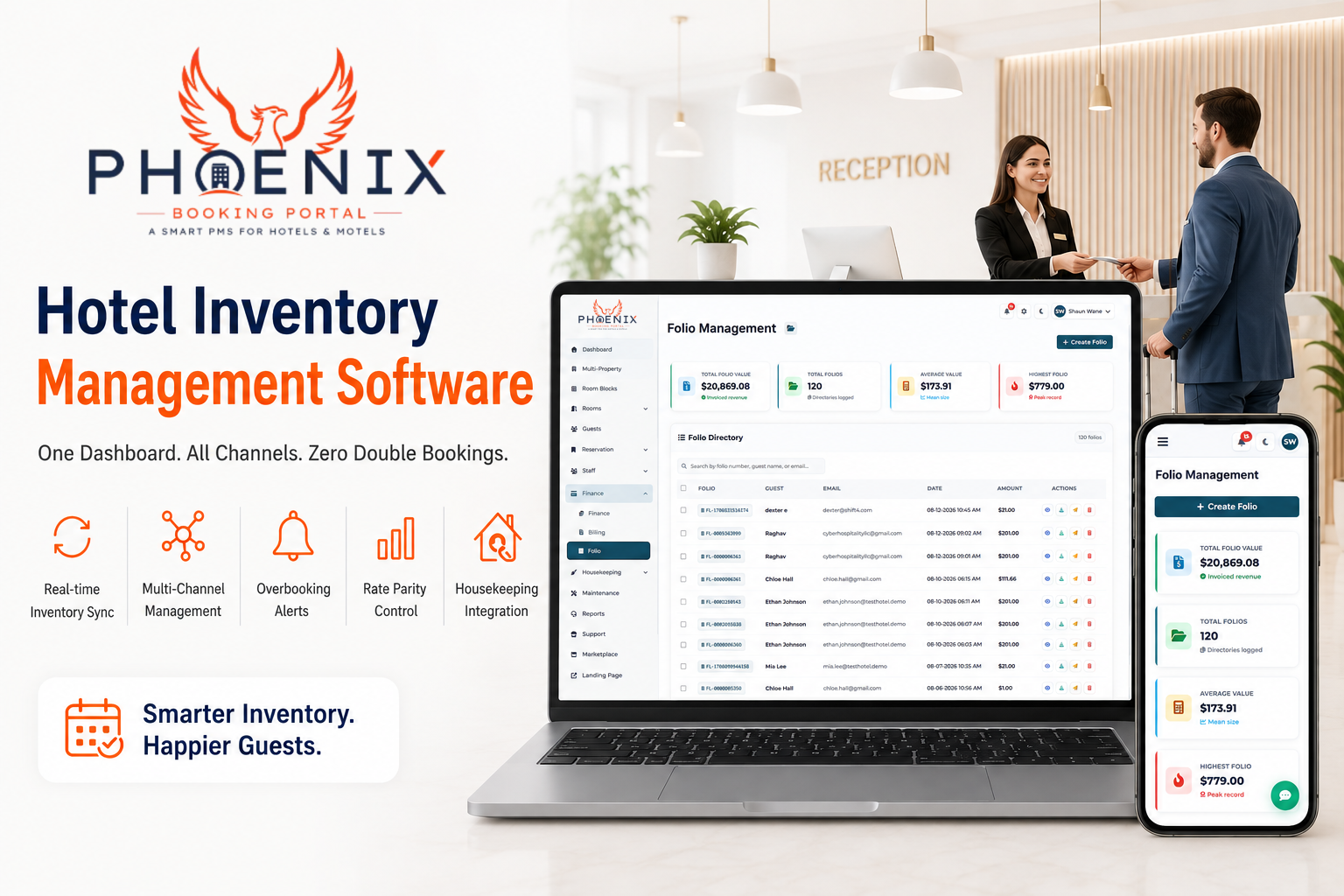
This is where a quick, honest mention of our own product fits. Phoenix Booking Portal centralizes room counts, rates, and housekeeping status in one dashboard and pushes updates to connected OTAs automatically. The idea isn’t that this is the only way to solve the problem. It’s one architecture among several, and it tends to work well for properties that are tired of logging into a different extranet for every channel.
If syncing speed and a single source of truth are your main pain points, it’s worth looking at Phoenix’s inventory dashboard to see how the workflow compares to what you’re doing now. Like any cloud tool, it requires a stable internet connection, so properties in areas with unreliable service should factor that into the decision.
Manual vs. Basic vs. Cloud: A Feature Comparison
| Feature | Manual / Spreadsheet | Basic PMS | Cloud PMS |
|---|---|---|---|
| Real time OTA sync | ❌ | ⚠️ Limited, often delayed | ✅ Full, near instant |
| Automatic overbooking alerts | ❌ | ⚠️ Partial | ✅ Full |
| Rate parity tracking | ❌ | ⚠️ Manual checks needed | ✅ Automated |
| Housekeeping status integration | ❌ | ⚠️ Rarely included | ✅ Full |
| Works offline | ✅ | ✅ Sometimes | ❌ Requires internet |
| Best for | Solo operator, 1 to 2 channels | Small hotels, limited budget | Growing properties, multiple channels |
Quick Answers: Hotel Inventory Management
Q: What is hotel inventory management software? A: It’s software that tracks room availability, rates, and status across every channel you sell on, updating them automatically so you don’t double sell a room. It replaces manual spreadsheet tracking with a single, synced source of truth.
Q: How is it different from a channel manager? A: A channel manager pushes rate and availability updates to OTAs. Inventory management is broader, also tracking housekeeping and maintenance status that affects what rooms are actually sellable at any moment.
Q: Do small hotels need inventory software? A: Properties under about 20 rooms selling on one or two channels can sometimes manage manually. Once you add more OTAs or grow past that size, manual tracking becomes a real overbooking risk.
Q: Does inventory software prevent all overbookings? A: It significantly reduces the risk by syncing counts automatically, but it doesn’t eliminate human error entirely, such as manually blocking the wrong room type. Good training still matters alongside the software.
Q: How much time does automated syncing typically save? A: Properties managing several OTAs manually often report spending 8 or more hours a week on rate and availability updates. Automated syncing removes most of that repetitive work, freeing staff for guest facing tasks.
Getting Started: A Practical Checklist
Moving from manual tracking to automated inventory management usually goes smoother with a plan rather than flipping a switch overnight.
- Audit your current channels. List every OTA, your website booking engine, and any offline booking sources you use today.
- Check your rate parity now, before you automate anything, so you know your starting point.
- Pick a system that connects to all your channels, not just the two biggest ones. Gaps here recreate the exact problem you’re trying to fix.
- Run a short overlap period where you keep manual checks going while the new system syncs, just to build trust in the data.
- Train front desk staff on the new dashboard before fully retiring the old spreadsheet or logbook.
- Set your overbooking buffer, a small number of rooms held back per date, since even automated systems benefit from a safety margin during the transition.
Hotels that follow a staged rollout like this tend to report fewer surprises in the first month than those who switch everything at once. If you want to see what a guided setup looks like, you can schedule a demo and walk through your specific channel mix with a real person.
FAQ
Q: Is hotel inventory management software expensive for small properties? A: Pricing varies widely by provider and property size, often based on room count or number of connected channels. Many providers offer tiered pricing so a 15 room property isn’t paying the same rate as a 150 room hotel. It’s worth requesting a quote based on your actual channel list rather than assuming cost from general pricing pages.
Q: Can I switch inventory systems without losing existing bookings? A: Yes, in most cases. A proper migration involves importing your existing reservations and rate calendars before disconnecting the old system from your OTAs. Reputable providers will walk you through this rather than asking you to cut over blind. Expect some manual double checking during the first week regardless.
Q: Does this software work with all major OTAs? A: Most established platforms connect to the major players like Booking.com, Expedia, and Airbnb, but smaller or regional OTAs vary by provider. Always confirm your specific channel list is supported before committing, since a missing connection defeats the purpose of centralizing inventory.
Q: What happens if the internet goes down? A: Cloud based systems generally require a connection to sync in real time, so a prolonged outage means updates pause until service returns. Some systems queue changes and push them once you’re back online. If your property has unreliable internet, ask any provider specifically how they handle offline periods.
Q: How long does it take to fully set up inventory management software? A: Simple setups with one or two channels can be running within a few days. Properties with many OTAs, group booking rules, and housekeeping integrations often take two to four weeks for a full rollout, mostly due to channel connection approvals on the OTA side rather than the software itself.
Phoenix Booking Portal: Why It Matters for Your Hotel
Double bookings are avoidable, not inevitable. Most hotels that fix the problem do it by replacing manual, multi channel updates with a single synced source of truth for room counts, rates, and housekeeping status. Whether that’s Phoenix or another platform, the underlying fix is the same: fewer manual touchpoints, fewer chances for human error.
If you want to see how this works with your own channel mix, you can start your free trial and connect your existing OTAs in a sandbox before committing to anything.


Leave a Reply